
Thermador Oven Clock Problems? Your Ultimate Fix-It Guide
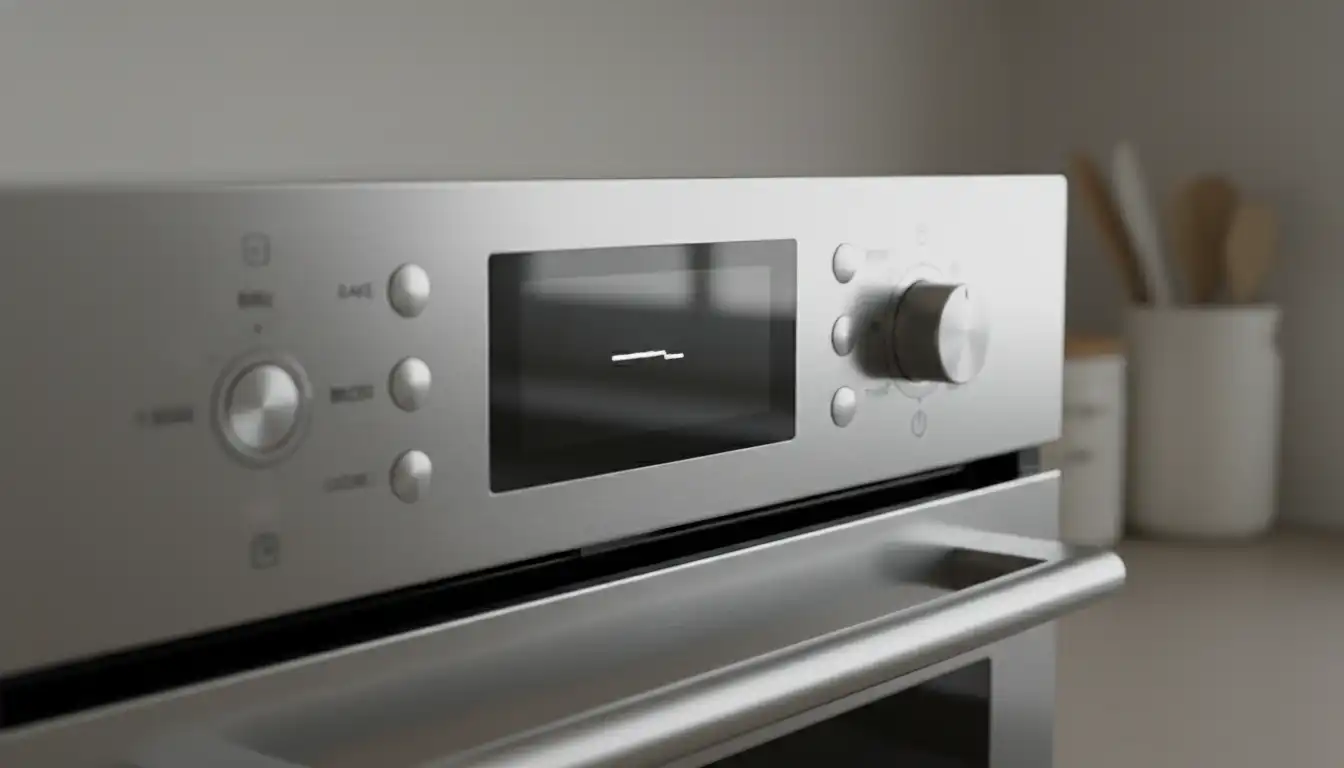
There are few things more disruptive in a modern kitchen than an appliance that isn’t cooperating. When the digital clock on your high-end Thermador oven starts to flicker, fade, or flat-out fail, it feels like more than just a timepiece is broken. That display is the command center for all your culinary creations, and when it’s on the fritz, your entire cooking routine can grind to a halt.
Fortunately, you don’t have to resign yourself to guesswork and frustration. Many common Thermador oven clock problems have straightforward solutions, ranging from simple resets to more involved component diagnostics. This guide will walk you through everything you need to know to troubleshoot, diagnose, and resolve these pesky display issues for good.
You'll Learn About
Why Your Thermador Oven Clock is Misbehaving: Common Causes
Understanding the root cause of the problem is the first step toward a lasting solution. An oven’s electronic system is sensitive, and several factors can disrupt the clock’s function. Before you can apply a fix, you need to know what you’re up against.
Power Interruptions and Surges
The delicate electronics inside your Thermador oven are highly susceptible to fluctuations in your home’s power supply. A brief power outage, a brownout, or a sudden power surge can be enough to scramble the control board’s memory, causing the clock to reset to zeros or display gibberish. These events often require a manual reset to restore normal function.
Even minor, momentary flickers in power that you might not notice can be sufficient to disrupt the oven’s internal systems. This is one of the most frequent yet easily resolved causes of clock display issues.
Control Board (ERC/EOC) Failure
The Electronic Range Control (ERC) or Electronic Oven Control (EOC) is the central brain of your appliance. It governs everything from temperature regulation to timer functions, including the clock display. When this board begins to fail, you may notice a range of symptoms, with clock problems being one of the first and most visible signs.
Components on the control board, such as capacitors that stabilize voltage, can degrade over time due to heat and age. A failing capacitor is a very common culprit behind a dimming or flickering display. In more severe cases, the entire board may need replacement to restore all oven functions.
Faulty Display Module or Loose Connections
Sometimes the main control board is working perfectly, but the separate display board—the part that actually lights up—is the source of the problem. Over time, the connections between the main board and the display can become loose or oxidized, leading to an intermittent or dead display. In other instances, the display module itself simply wears out.
If the clock is the only function that seems affected and the oven still heats correctly, there’s a good chance the issue lies with the display module or its wiring. This is often a more targeted and less expensive fix than replacing the entire EOC.
Initial Troubleshooting Steps: The Quick Fixes
Before assuming the worst, always start with the simplest potential solutions. Many Thermador oven clock problems can be resolved with a few basic troubleshooting steps that require no special tools or technical expertise. These quick fixes can save you the time and expense of a service call.
The Simple Reset: Power Cycling Your Oven
The most effective first step for any electronic glitch is a hard reset. This process, known as power cycling, clears the appliance’s internal memory of any temporary errors. It’s the go-to solution for a clock that’s blinking after a power outage or has become unresponsive.
To perform a power cycle, locate the circuit breaker that controls your oven in your home’s electrical panel. Switch the breaker to the “off” position and wait for at least five to ten minutes. This waiting period is crucial to ensure all residual power drains from the control board. Then, flip the breaker back to the “on” position. You will likely need to reset the clock manually once power is restored.
Checking for Active Cooking Modes or Sabbath Mode
Sometimes, the clock display disappears or behaves strangely because the oven is in a special mode. Functions like “Delay Start” or “Timed Cook” can alter the display to show timer information instead of the time of day. Ensure that all cooking programs are canceled.
Another common setting that affects the display is Sabbath Mode. This feature is designed for religious observance and will disable the displays and lights. Check your user manual to see how to enter and exit Sabbath Mode, as this can often be the simple explanation for a dark screen.
How to Set or Reset Your Thermador Clock
After a power cycle or if you’re setting it for the first time, you’ll need to input the correct time. The exact method can vary slightly between Thermador models, but the general process is usually quite similar. Many models require you to press a “Clock” or “Settings” button first.
From there, you will typically use arrow keys or a rotary knob to adjust the hours and minutes. Once the correct time is displayed, you may need to press a “Start” or “Enter” button to save the setting. If you’re unsure, consulting your owner’s manual will provide the specific button sequence for your model.
Advanced Diagnostics: When Simple Fixes Aren’t Enough
If a power cycle and checking the settings didn’t resolve your clock issue, it’s time to dig a little deeper. The specific way the clock is failing can give you important clues about the underlying problem, helping you decide whether it’s a DIY fix or time to call a professional. Analyzing the display’s behavior is key to an accurate diagnosis.
Decoding Display Behavior
A flickering or dim display is a classic symptom of a failing power supply component on the control board. Over time, the heat from the oven can cause capacitors to weaken, leading to insufficient voltage for the display. While some advanced DIYers may attempt to replace the capacitors, this usually points toward needing a repaired or replaced control board.
A completely blank display suggests a more significant failure. It could mean there’s no power reaching the control board at all, or that the board itself has completely failed. A display showing random segments or “gibberish” often indicates a corrupted microprocessor on the control board, which is a definitive sign that the board needs to be replaced.
Finally, a clock that simply won’t keep accurate time, losing or gaining minutes, points to a failure in the timekeeping circuitry on the main control board. This is not a calibration issue and requires a board repair or replacement.
Troubleshooting Cheat Sheet
Navigating appliance issues can be confusing. This table provides a quick reference to help you connect the symptoms your oven is showing with the most probable causes and the best course of action to take.
| Problem | Potential Cause | Recommended Solution |
|---|---|---|
| Clock is blinking “12:00” or “00:00” | Recent power outage or surge. | Perform a power cycle and manually reset the clock. |
| Display is completely blank. | Tripped circuit breaker, failed control board, or loose connection. | Check breaker. If power is confirmed, professional diagnosis is needed. |
| Display is dim or flickering. | Failing capacitors on the control board or a faulty display module. | Often requires professional board repair or replacement. |
| Clock loses time or runs fast. | Internal failure of the timekeeping circuit on the control board. | The control board needs to be repaired or replaced. |
| Buttons are unresponsive. | Control lock is engaged, or a failed control board. | Check for a control lock feature first. If that’s not the issue, suspect the board. |
The Ultimate Fix: Repairing or Replacing Components
When basic troubleshooting fails, the problem likely lies with a hardware component such as the control board or display module. At this stage, you must decide between a DIY repair and calling a professional technician. Safety and complexity should be your primary considerations.
DIY vs. Professional Technician
Replacing an electronic control board involves working with sensitive components and high voltage. For most homeowners, this is a job best left to a qualified professional. A technician has the diagnostic tools to confirm which part has failed, ensuring you don’t spend money on a component you don’t need. While some appliance fixes, like addressing issues with a Bosch warming drawer, might be within reach for a handy homeowner, mainboard electronics carry higher risks.
The cost of a new Thermador oven control board can range from $200 to over $400 for the part alone. Professional installation will add to the cost but comes with the assurance of a correct and safe repair. Attempting a DIY replacement without experience can lead to further damage to the appliance or personal injury.
Proactive Measures: Preventing Future Clock Calamities
Once your oven clock is back in working order, you’ll want to keep it that way. Taking a few proactive steps can help protect the delicate electronics inside your Thermador oven and extend the life of its components. These measures focus on creating a stable environment for your appliance.
Invest in Surge Protection
Given the sensitivity of modern appliances to power fluctuations, a surge protector is a wise investment. You can have an electrician install a whole-house surge protector at your main electrical panel, or use a dedicated surge protector for the oven’s circuit. This provides a critical line of defense against the voltage spikes that can fry a control board in an instant.
This single step is one of the most effective ways to prevent a wide range of electronic failures in all your home appliances, not just your oven.
The Importance of Proper Ventilation and Cleaning
Electronics and excessive heat are natural enemies. The control board in your oven is designed to withstand high temperatures, but prolonged exposure can shorten its lifespan. Ensure your oven’s installation allows for proper airflow and that its ventilation slots are never blocked.
When cleaning, never spray liquid cleaners directly onto the control panel. Moisture can seep behind the buttons or screen and short-circuit the electronics. Instead, spray cleaner onto a soft cloth and then wipe the panel down gently. Proper kitchen maintenance, from appliance care to ensuring good airflow with features like an egress window in front of the house, contributes to the longevity of all your investments.
When is it Time to Say Goodbye?
There comes a point in the life of any appliance when the cost of repair outweighs the benefit. If your Thermador oven is over a decade old and facing a major repair like a control board replacement, it’s worth considering whether that money would be better invested in a new, more efficient model.
Consider the oven’s overall condition. If other components are also showing signs of wear, you might be starting a cycle of repeated repairs. In such cases, upgrading to a new oven can provide you with better performance, new features, and a fresh warranty. If you decide to replace your unit, looking into an oven trade-in program can be a smart financial move to help offset the cost of your new purchase.
Your Kitchen’s Command Center, Restored
A malfunctioning oven clock is a solvable problem. By starting with simple resets, carefully diagnosing the symptoms, and making an informed decision about repair or replacement, you can restore your Thermador oven to its full functionality. A working display puts you back in control, ready for your next culinary masterpiece.
Conclusion
A failing display doesn’t have to mean the end of your oven’s lifespan. Often, the culprit is a localized control board issue or a loose ribbon cable rather than a total mechanical failure. Addressing these digital glitches early prevents the frustration of “blind cooking” and saves you from the steep cost of a full unit replacement.
By troubleshooting the power supply or opting for a professional board repair, you can restore your kitchen’s command center to its former glory. Don’t let a flickering clock dim your culinary passion; a clear display ensures your focus remains where it belongs: on the food.
