
Replace Wired Smoke Detector with Wireless? Your Ultimate Guide
That incessant, middle-of-the-night chirping from an old smoke detector is a familiar frustration. For many homeowners, wired smoke detectors are a relic of a past era—often prone to false alarms, difficult to maintain, and bound by the limitations of existing electrical wiring. If you’re tired of the hassle and concerned about the reliability of an aging system, you’re asking the right question: is it time to replace your wired smoke detector with a wireless one?
The answer is a resounding yes. Upgrading to a modern wireless system is not just about convenience; it’s a significant step toward a safer, smarter, and more responsive home. This guide will walk you through everything you need to know to make the switch confidently.
You'll Learn About
Why Your Old Wired Smoke Detector Is a Hidden Hazard
It’s easy to forget about smoke detectors until they start demanding attention. However, an old or malfunctioning unit is more than an annoyance; it’s a critical safety failure waiting to happen. Understanding the risks associated with outdated wired models is the first step toward appreciating the benefits of a wireless upgrade.
Many homeowners don’t realize that smoke detectors have a limited lifespan. Most manufacturers recommend replacing them every 10 years. Over time, the sensors inside degrade and become less sensitive to smoke, drastically reducing their effectiveness in a real fire. Also some can work in low temperature.
The Problem with Aging Wires and Sensors
Beyond the detector itself, the hardwiring presents its own set of problems. Old electrical wiring can become brittle or loose, creating a potential point of failure. If one detector in a wired, interconnected system fails or loses power, it can sometimes compromise the entire network, leaving your home with silent, ineffective protection.
Furthermore, these older systems are notorious for nuisance alarms triggered by cooking smoke or steam. This often leads to homeowners disabling them out of frustration, which is one of the most dangerous modifications one can make in a home. That persistent chirping isn’t just annoying; it’s a warning sign that your safety net is compromised.
The Smart Upgrade: Unpacking the Benefits of Wireless Smoke Detectors
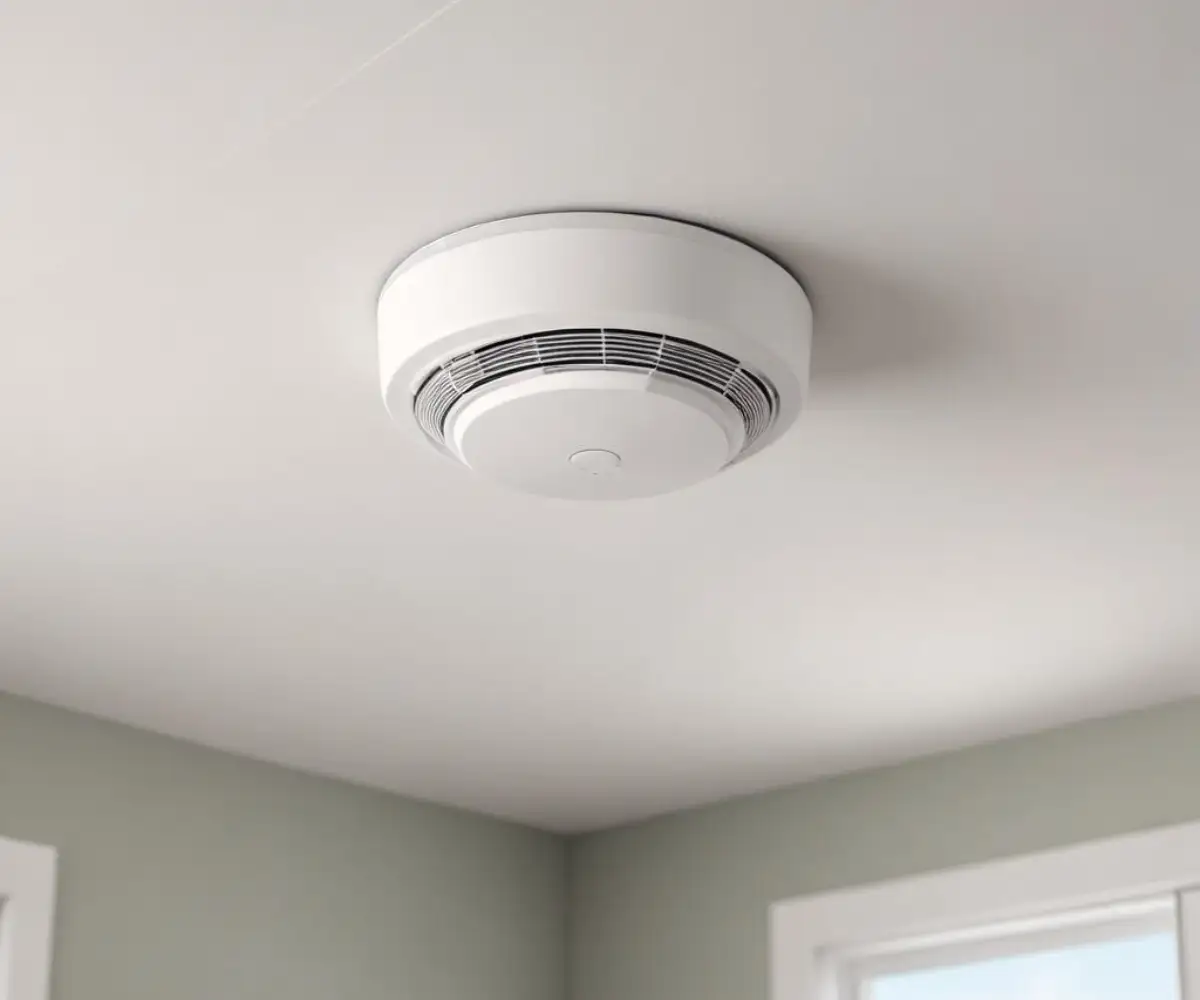
Modern wireless smoke detectors have revolutionized home safety technology. They offer a combination of simplicity, advanced features, and robust reliability that older wired systems simply cannot match. The advantages go far beyond just eliminating wires.
The most immediate benefit is the effortless installation. Replacing a wired unit involves working with 120V electrical wires, which can be daunting and requires strict safety precautions. Wireless detectors, powered by long-lasting lithium batteries, can be installed by most homeowners in minutes with just a few screws.
Interconnectivity Without Constraints
One of the most powerful safety features of modern alarms is interconnectivity—when one sounds, they all sound. Wireless detectors achieve this through a reliable radio frequency (RF) signal. They create their own secure network, ensuring that a fire detected in the basement will trigger an alarm in an upstairs bedroom, providing precious extra seconds to escape.
Many wireless models also offer smart home integration. This allows you to receive alerts on your smartphone if smoke or carbon monoxide is detected, whether you’re at home or away. You can also silence nuisance alarms directly from your phone, eliminating the temptation to climb on a chair and remove the battery.
Wired vs. Wireless Smoke Detectors: A Head-to-Head Comparison
Choosing between a wired and wireless system can be confusing. While wired detectors have the advantage of a constant power source, their drawbacks in terms of installation, flexibility, and features are significant. This table breaks down the key differences to help you make an informed decision.
| Feature | Wired Smoke Detectors | Wireless Smoke Detectors |
|---|---|---|
| Power Source | Hardwired to home’s 120V AC power with a battery backup. | Powered exclusively by batteries, often 10-year sealed lithium batteries. |
| Installation | Complex and often requires a professional electrician due to direct wiring. | Simple, DIY-friendly installation with a mounting bracket and screws. |
| Interconnection | Requires physical wires running between each unit to link them. | Uses a wireless RF or Wi-Fi signal to interconnect multiple units seamlessly. |
| Smart Features | Typically limited or non-existent. Lacks remote notifications or app control. | Commonly includes smart features like mobile alerts and remote silencing. |
| Placement | Limited to locations with existing electrical junction boxes. | Can be placed in optimal locations for fire detection as recommended by the NFPA. |
| Reliability | Reliant on both home electricity and battery backup. Wiring can fail. | Highly reliable, with long-life batteries and self-monitoring capabilities. |
Step-by-Step Guide: How to Replace Your Wired Smoke Detector with a Wireless Model
Making the switch from a wired to a wireless smoke detector is a manageable project for most homeowners. By following these steps and prioritizing safety, you can complete the upgrade in under an hour. Remember, working with electricity requires your full attention.
Safety First: Power Down! Before you do anything else, locate the circuit breaker that controls the power to your smoke detectors and turn it off. The detectors may be on a dedicated circuit or grouped with lighting for a specific area of your home.
Step 1: Gather Your Tools
You won’t need much for this job. Assemble a sturdy ladder, a Phillips head screwdriver, a non-contact voltage tester, and a set of wire nuts. Your new wireless smoke detector will typically come with its own mounting bracket and screws.
Step 2: Remove the Old Wired Detector
Most wired detectors can be removed by gently twisting them counter-clockwise. Once it’s detached from the mounting bracket, you’ll see a small wiring harness connecting it to the house’s wiring. Pinch the clip on the harness to disconnect it and set the old detector aside.
Step 3: Safely Cap the Old Wires
With the old unit removed, you’ll see the electrical box in the ceiling with three wires: a black (hot), a white (neutral), and often a red or yellow (interconnect) wire. Use your non-contact voltage tester to confirm the power is off. Touch the tip of the tester to each wire; it should not light up or beep.
Once you’ve confirmed the power is off, take a wire nut and screw it securely onto the end of each individual wire. For extra safety, wrap each capped wire with electrical tape. Gently push the secured wires back into the electrical box.
Step 4: Install the New Wireless Detector’s Mounting Plate
Your new wireless detector will have a mounting plate. In most cases, you can screw this plate directly onto the existing electrical box, which provides a sturdy base and neatly covers the old opening. If not, use the provided screws and anchors to attach it to the ceiling.
Step 5: Activate and Test Your New Detector
Before attaching the new detector, you’ll likely need to pull a plastic tab to activate the pre-installed battery. Once activated, twist the detector onto its new mounting plate. Press and hold the “Test” button for a few seconds. You should hear a loud, clear alarm, confirming it’s operational.
Beyond the Basics: Advanced Features and Considerations
Modern smoke alarms offer more than just smoke detection. When upgrading, consider combination units that also detect carbon monoxide (CO), an invisible and odorless gas that is impossible to detect without a dedicated alarm. A single combination unit can provide dual protection.
Pay attention to the battery type and battery capacity as well. While some models use replaceable AA or 9V batteries, many now come with a 10-year sealed lithium battery. These units are designed to last for the entire lifespan of the detector, eliminating the need for yearly battery changes and those dreaded low-battery chirps.
What to Do with the Old Wiring: Cap, Cover, or Remove?
A common question that arises during this process is what to do with the now-redundant wiring. The safest and most practical solution for a DIY project is to cap the wires as described above. Ensure they are secured with wire nuts, wrapped in electrical tape, and tucked neatly back into the junction box.
The new wireless detector’s mounting base will usually cover the box completely, leaving a clean finish. If it doesn’t, you can purchase a simple blank cover plate from any hardware store to seal the box. Complete removal of the wiring from the circuit breaker is a job best left to a qualified electrician.
Common Mistakes to Avoid When Making the Switch
This project is straightforward, but a few common mistakes can compromise safety. The most critical error is forgetting to turn off the power at the circuit breaker. Always test the wires with a voltage tester before touching them.
Another mistake is improperly capping the wires. A loose wire nut can fall off, leaving a live wire exposed in your ceiling—a serious fire hazard. Ensure the caps are tight and secure. Finally, don’t skip the final test. Once all your new detectors are installed, test one to ensure they all sound in unison, confirming the wireless interconnection is working correctly. Thoughtful home maintenance can prevent many common issues, from faulty alarms to surprisingly complex door hardware; sometimes, a simple `top of door ball bearing spring fix` is all that’s needed to restore peace and quiet.
When diving into home projects, it’s wise to understand the materials you’re working with. For instance, knowing the difference between compounds like `Durabond 45 vs 90` can significantly impact the quality and durability of a drywall repair. This same principle of using the right component for the job applies to selecting the correct type of smoke detector for your home.
And if you find other smart devices acting strangely, such as a `liftmaster gate opening by itself`, remember the core troubleshooting steps. Unpredictable behavior in home electronics, whether it’s a gate or a smoke alarm, often points back to issues with power, connectivity, or internal sensors, reinforcing the importance of regular checks and maintenance.
A Safer, Smarter Home Is Just an Upgrade Away
Replacing your old, unreliable wired smoke detectors with a modern wireless system is one of the most impactful safety upgrades you can make for your home. It eliminates the risks of outdated sensors and faulty wiring while introducing powerful features like wireless interconnection and smart home alerts.
By following proper safety procedures, this is a simple and rewarding DIY project that brings peace of mind. Don’t wait for a false alarm or, worse, a real emergency to discover your home’s first line of defense is out of date. Check your detectors today and consider making the switch to a smarter, more reliable wireless solution.
