
Recessed Lights Shutting Off? The Thermal Protector Fix You Need
There’s nothing more frustrating than your recessed lights deciding to take an unscheduled break, flickering off without warning. You flip the switch, and they work for a few minutes, only to plunge the room into dimness again. Before you blame faulty wiring or resign yourself to an expensive electrician visit, the culprit is likely a small but vital safety device: the recessed light thermal protector.
This isn’t a sign that your light fixture is broken. In fact, it’s a sign that a key safety feature is working exactly as designed. Understanding what this component is and why it’s being triggered is the first step to a permanent, safe solution.
You'll Learn About
What is a Recessed Light Thermal Protector and Why Does It Trip?
Think of the thermal protector, sometimes called a thermal cutout or sensor, as a smart thermostat for your light fixture. It’s a heat-sensitive switch wired into the fixture that automatically cuts the power when temperatures inside the housing can reach dangerous levels. Once the fixture cools down to a safe temperature, the switch resets, and the light comes back on—leading to that annoying on-and-off cycle.
This device is a crucial fire prevention mechanism. Its job is to stop the fixture from overheating, which could damage your home’s wiring, melt components, or even ignite surrounding materials like wood joists or insulation. The blinking isn’t the problem; it’s a symptom of an underlying heat issue that needs to be addressed.
The #1 Culprit: Incorrect Light Bulb Wattage
The most common reason a thermal protector trips is the use of a light bulb with a higher wattage than the fixture is rated for. An old 75-watt incandescent bulb in a fixture rated for a maximum of 60 watts will generate excessive heat that the fixture simply can’t dissipate. This heat buildup is quickly detected by the thermal sensor, which then does its job by shutting everything down.
Always check for a sticker inside the recessed light housing (or “can”) that specifies the maximum bulb wattage and type. Never exceed this rating. Using a bulb with a lower wattage is always safe and is often the quickest fix for an overheating issue.
Insulation Trapping Heat
Another major cause of overheating is improper insulation. Recessed light fixtures come in two main types: IC-rated and Non-IC-rated. Understanding the difference is critical for safety.
Non-IC-rated fixtures are older designs that require a minimum of three inches of clearance from any insulation. If insulation is packed directly against or over a non-IC-rated can, it traps heat like a blanket, causing the thermal protector to trip. IC-rated (Insulation Contact) fixtures are specifically designed to be safely buried in insulation and have special housings to manage heat.
Outdated Fixtures and Voltage Spikes
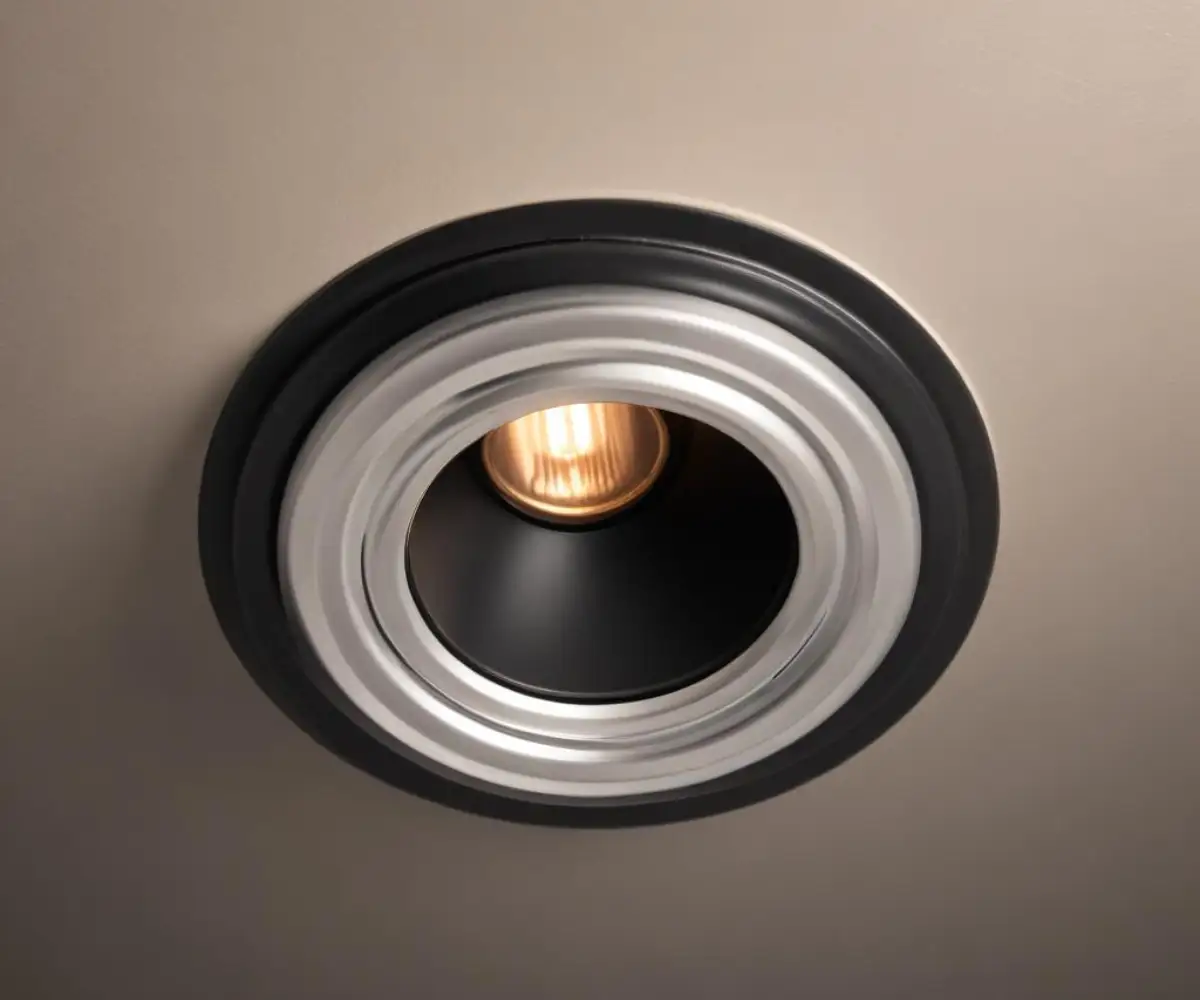
Older recessed lights, especially those from several decades ago, may not be equipped to handle modern home conditions. They might lack the advanced thermal protection of newer models or have degraded wiring that contributes to heat buildup. In some cases, the thermal protector itself can wear out over time and become overly sensitive, tripping even under normal conditions.
A less common, but significant, cause of overheating can be voltage fluctuations in your home’s electrical system. Minor, unnoticed power surges can cause the bulb to burn hotter than intended, generating excess heat. This is often a sign of a broader electrical issue, much like how a ceiling fan’s performance can be affected by faulty wiring, indicating a problem beyond just the fixture itself.
How to Fix Recessed Lights That Keep Turning Off
Troubleshooting an overheating recessed light is a process of elimination. Always start with the simplest and most likely solutions first. Before you begin, always turn off the power to the light fixture at the circuit breaker for safety.
Step 1: The Easiest Fix – Check Your Light Bulbs
Start by removing the light bulb and checking its wattage. Compare it to the maximum wattage rating printed on the label inside the fixture’s housing. If the bulb’s wattage is too high, replace it with one that is at or below the specified limit.
This is also the perfect opportunity to upgrade. Switching to LED bulbs is the single best solution for overheating issues. LEDs produce the same amount of light (lumens) as incandescent bulbs but generate a fraction of the heat and use significantly less energy. A 10-watt LED can replace a 60-watt incandescent, instantly solving most heat-related problems.
Step 2: Inspect the Insulation Around the Fixture
If you have access to the ceiling space above the light (such as in an attic), carefully inspect the area around the recessed light can. If you have a Non-IC-rated fixture, ensure there are at least three inches of clear space around it on all sides. Gently push back any insulation that is touching the housing.
If you cannot keep insulation away, consider installing a commercially available recessed light cover. These boxes are designed to fit over Non-IC fixtures, creating a necessary air gap while allowing you to insulate over the top of them safely.
Step 3: Consider Replacing the Thermal Protector
If you’ve installed the correct low-wattage LED bulb and have confirmed proper insulation clearance, but the light still cycles off, the thermal protector itself may be faulty. These components can become weak with age and trip at lower temperatures than they should. Replacing the protector is a more involved task that requires some basic wiring knowledge.
While the part itself is inexpensive, accessing it within the fixture’s junction box can be tricky. For many homeowners, if the problem has reached this stage, calling a qualified electrician is the safest and most efficient course of action.
Proactive Measures: Preventing Your Recessed Lights from Overheating
The best way to deal with a tripping thermal protector is to ensure it never has a reason to activate. A few smart choices can prevent overheating issues from ever starting.
Upgrade to LED Retrofit Kits
An LED retrofit kit is a complete, all-in-one unit that includes the “trim” (the visible part of the light) and the light source. These kits are designed to fit directly into your existing recessed housing, replacing the old socket and bulb entirely. They create a sealed unit that is highly efficient, generates very little heat, and often improves the look of your lighting.
Understanding IC vs. Non-IC Rated Cans
Knowing what type of fixture you have is essential for safety and performance. If you are planning a new installation or a major renovation, always opt for IC-rated fixtures. They offer more flexibility with insulation and are built to modern safety standards.
| Feature | IC-Rated Fixture | Non-IC-Rated Fixture |
|---|---|---|
| Insulation Contact | Safe for direct contact with insulation. | Requires a 3-inch clearance from all insulation. |
| Construction | Typically has a “double can” design to isolate heat. | Usually a single-wall can with ventilation holes. |
| Best Use Case | Insulated ceilings, new construction, and attics. | Non-insulated ceilings or remodels where clearance can be guaranteed. |
| Cost | Slightly more expensive. | Generally less expensive. |
Identify Diagnostic Clues
Your home’s electronics often provide clues to their problems. A recessed light that blinks is sending a clear signal of overheating. This is similar to how a garage door opener’s blinking light serves as a diagnostic code for a specific issue. Learning to read these signals can help you pinpoint the root cause of a problem much faster.
Is a Tripping Thermal Protector a Fire Hazard?
A thermal protector that is actively tripping is not, in itself, a fire hazard. It is a fire prevention device doing its job. The real hazard is the underlying condition causing the fixture to overheat. Ignoring the warning signs of a blinking light is what creates a dangerous situation.
Continuously allowing a fixture to overheat can degrade the wire insulation within the fixture and in your ceiling, making it brittle and prone to failure. This creates a serious risk of an electrical short and fire. The thermal protector is your last line of defense, and its activation should be treated as an urgent warning.
Never Bypass the Thermal Protector
Under no circumstances should you ever attempt to bypass or remove the thermal protector. Doing so removes the single most important safety feature of the fixture. It’s like taking the batteries out of a smoke detector because it chirps. Bypassing the switch creates a severe fire hazard and violates electrical codes, potentially voiding your homeowner’s insurance.
When to Call a Professional Electrician
While many overheating issues can be solved with simple DIY steps, there are times when you should not hesitate to call a professional. Contact a licensed electrician if:
- You have tried replacing the bulb and checking insulation, and the problem persists.
- You smell burning plastic or see any discoloration on the fixture or ceiling.
- The light buzzes or crackles when it’s on.
- You are not comfortable working with electrical wiring to replace a socket or thermal protector.
- The circuit breaker connected to the lights trips frequently.
A recessed light’s thermal protector is a silent guardian for your home’s safety. When it starts making its presence known by shutting off your lights, listen to its warning. By addressing the root cause of the heat—whether it’s an oversized bulb, encroaching insulation, or a failing component—you can restore your lighting and ensure your home remains safe.
