
Dimmer on Ceiling Fan Light? Stop Guessing & Get It Right
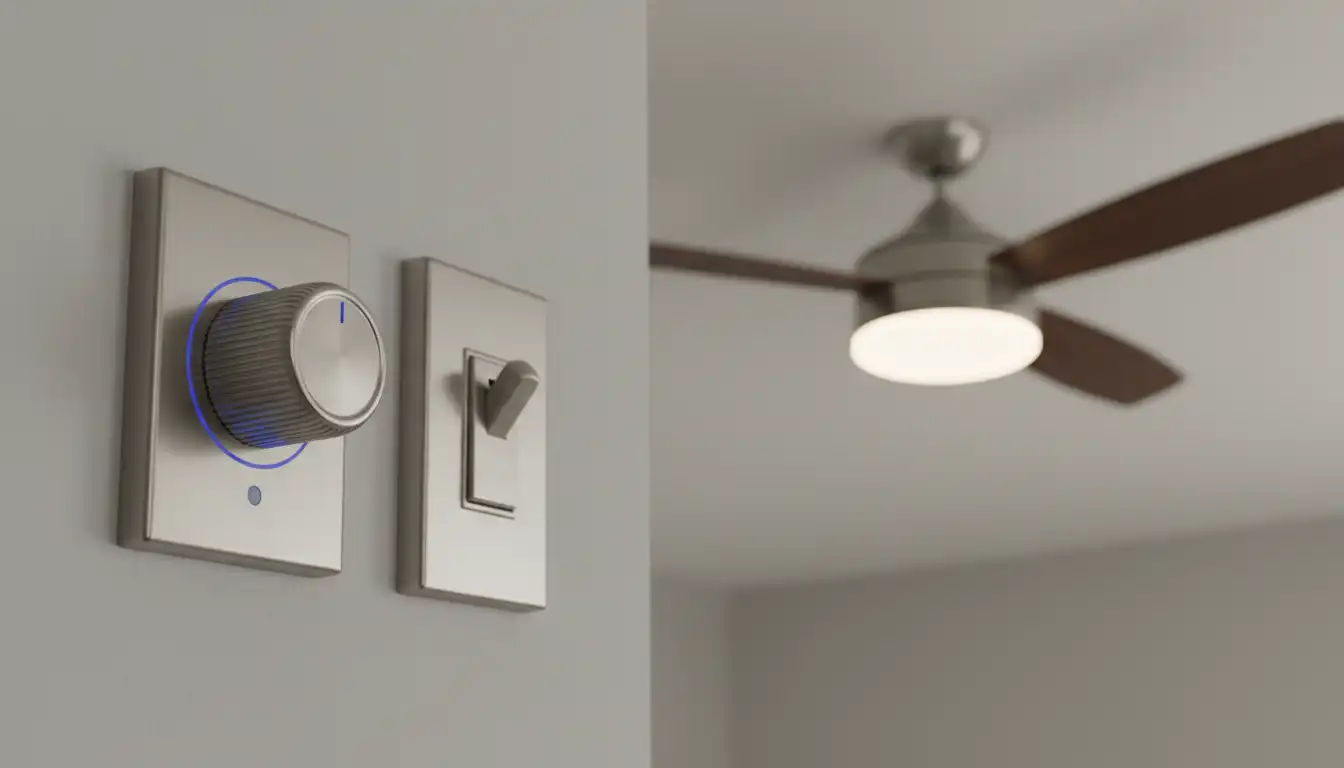
You love your ceiling fan for the cool breeze, but the light it casts is harsh and uninviting. The dream is simple: to adjust the brightness, create some ambiance, and enjoy perfect lighting for any mood. So, you decide to install a dimmer on the ceiling fan light, but this seemingly simple upgrade can quickly spiral into a frustrating mess.
The result is often a symphony of problems—an annoying buzz, a constant flicker, or a dimmer that simply refuses to work. These issues aren’t just minor annoyances; they can signal a deeper incompatibility that could damage your fan’s motor, the dimmer switch, or both.
You'll Learn About
Why Your Standard Dimmer Is a Recipe for Disaster
Many homeowners assume any dimmer switch will work with any light fixture. This is a critical misunderstanding, especially with ceiling fans. A fan’s motor and its light kit are not the same as a simple light bulb in a socket; they have complex internal circuitry.
A standard dimmer works by chopping up the AC electrical waveform to reduce the voltage sent to a light bulb. While this works for simple incandescent bulbs, it can wreak havoc on a fan’s motor, which is not designed for this type of power supply. Using a light dimmer to control a fan’s speed can permanently damage the motor.
Furthermore, the lighting world has shifted to LEDs. These energy-efficient bulbs have internal drivers that require a specific type of dimmer switch to function correctly. An old dimmer designed for incandescent bulbs is almost certain to cause flickering and buzzing with modern LEDs.
The Compatibility Triangle: Your Key to Success
The secret to a flawless dimmer installation for your ceiling fan light lies in what can be called the “Compatibility Triangle.” Three essential components must be designed to work together perfectly: the dimmer switch, the ceiling fan itself, and the light bulbs you use.
If any one of these components is not compatible with the others, you will encounter problems. Ensuring harmony between all three is the only path to achieving that smooth, flicker-free dimming you want.
Choosing the Right Dimmer Switch
The single most important choice is the dimmer itself. In today’s market, you should look for a switch specifically rated for the type of bulbs you use. For modern lighting, a “C-L” dimmer is the gold standard.
These dimmers are engineered to handle the different electrical loads of Compact Fluorescent Lights (CFLs) and, most importantly, LEDs. They provide a stable current that prevents the sensitive electronics inside LED bulbs from misbehaving. Using anything else is a gamble.
Is Your Ceiling Fan “Dimmer-Ready”?
Not all ceiling fans are created equal. Many newer models, especially those that come with a remote control, have their own built-in electronics for controlling the light and fan speed. These systems often include a dimming feature controlled by the remote.
Attempting to add a separate wall dimmer to a fan with an integrated remote system is a common mistake. The two systems will conflict, leading to unpredictable behavior, flickering, or complete failure. Always consult your fan’s manual; if it has a remote with a dimmer function, do not install an additional wall dimmer.
Fans with simple pull chains for the light and motor are typically the best candidates for this upgrade, as their wiring is more straightforward.
The Unsung Hero: Dimmable Light Bulbs
Your high-tech C-L dimmer is useless if the light bulbs can’t be dimmed. This might seem obvious, but it’s a frequent oversight. Not all LED bulbs are dimmable, and using a non-dimmable bulb with any dimmer switch is a primary cause of buzzing and damage.
The bulb’s packaging must state “Dimmable” in clear terms. Investing in high-quality dimmable LEDs from a reputable brand will save you a world of troubleshooting headaches down the line.
| Component | Check For | Why It Matters |
|---|---|---|
| Dimmer Switch | “C-L” Rating (for LED/CFL) | Ensures stable power for modern bulbs, preventing flicker and buzz. |
| Light Bulbs | “Dimmable” Label on Packaging | Non-dimmable bulbs will flicker, buzz, or fail prematurely when used with a dimmer. |
| Ceiling Fan | No Integrated Remote Dimmer | Adding a wall dimmer will conflict with the fan’s built-in electronics. |
Step-by-Step Installation: From Power Off to Perfect Ambiance
With the right compatible components in hand, the installation is straightforward. However, electrical work requires the utmost caution. If you are ever unsure, please consult a qualified electrician.
The first and most critical step is to turn off the power. Go to your home’s circuit breaker panel and shut off the circuit that powers your ceiling fan. Confirm the power is off using a voltage tester at the switch.
Removing the Old Switch
First, unscrew and remove the faceplate covering the switch. Next, unscrew the mounting screws holding the switch itself inside the electrical box. Gently pull the old switch out from the wall.
Before disconnecting anything, take a clear photo of the wiring with your phone. This simple action can be a lifesaver if you forget which wire goes where. Once documented, carefully unscrew the terminals and detach the wires.
Wiring Your New Dimmer
Your new dimmer will come with a wiring diagram—follow it precisely. Generally, you will connect the “hot” wire from the wall to the dimmer’s designated input terminal and the “load” wire going to the fan light to the output terminal.
Don’t forget the ground wire, which is usually a bare copper or green-insulated wire. A secure ground connection is essential for safety. Ensure all connections are tight and secure before proceeding.
Testing and Finishing Up
Carefully push the newly wired dimmer back into the electrical box and secure it with its mounting screws. Reattach the faceplate. Now you can return to the breaker panel and restore power to the circuit.
Test your work. Turn the light on and operate the dimmer through its entire range, from brightest to dimmest. Look for any signs of flickering or listen for any buzzing sounds. If everything is smooth, your installation is a success.
Troubleshooting the Annoying Buzz and Flicker
Even with careful planning, you might still encounter a dreaded buzz or an irritating flicker. This almost always points back to an issue within the Compatibility Triangle. Don’t panic; the solution is usually simple.
A buzzing noise in your ceiling can often be traced back to the interaction between the switch and the bulb. By addressing the source, you can restore peace and quiet.
The Root of the Buzzing Sound
That buzzing sound is the result of micro-vibrations. In a dimmer, an internal component called an inductor vibrates as the chopped electrical waveform passes through it. In the bulb, the electronics in an LED driver can also vibrate.
The solution is almost always a compatibility mismatch. Ensure you are using a high-quality C-L dimmer and reputable dimmable LED bulbs. Sometimes, simply switching to a different brand of dimmable bulb can eliminate the noise entirely.
Why Your Lights Are Flickering
Flickering is a clear sign that the LED bulb’s internal driver is not receiving the stable power it needs. The most common cause is using an older, non-C-L dimmer that cannot communicate effectively with the bulb.
Another culprit can be low-quality LED bulbs with poorly designed drivers. Finally, always double-check your work. A loose wire nut or a faulty connection at the switch can also cause intermittent power loss that appears as flickering.
Proper lighting can make a huge difference, especially in rooms that feel closed-in. If dimming alone doesn’t create the open feel you want, you might explore other ways to enhance homes with 7ft ceilings to maximize the sense of space.
Beyond the Basics: Advanced Dimmer Considerations
Once you’ve mastered the fundamentals, you can explore more advanced lighting controls. The same principles of compatibility apply, whether you’re installing a basic rotary dimmer or a full-featured smart switch.
Understanding the electrical principles behind these installations is key. For homeowners planning a more extensive 4.5 inch recessed light retrofit, grasping concepts like load calculation is not just helpful—it’s essential for a safe and effective outcome.
Smart Dimmers and Ceiling Fans
Smart dimmers offer incredible convenience, allowing you to control your lights via voice commands or a smartphone app. When choosing one for your ceiling fan light, the same rule applies: it must be rated for LED loads.
Always verify that the smart dimmer you choose is compatible with your fan’s wiring setup and does not conflict with any existing remote-control functionality.
Understanding Minimum and Maximum Load
Here’s a detail that often trips people up: dimmers have a required wattage range to function correctly. A dimmer might be rated for 150 watts of LEDs, but it also has a minimum load requirement, perhaps 10 watts.
If you have a ceiling fan with only one or two very low-wattage LED bulbs, their combined wattage might fall below this minimum threshold. This can cause the dimmer to behave erratically or not work at all. Always check the dimmer’s specifications to ensure your total bulb wattage is within its required operating range.
Achieving the perfect lighting is a rewarding DIY project. By focusing on the Compatibility Triangle—the dimmer, the fan, and the bulbs—you can avoid the common frustrations and create the ideal ambiance for any room. A successful installation provides not just beautiful, controllable light, but also the satisfaction of a job done right.
Conclusion
Achieving the perfect ambiance requires moving beyond a standard wall dimmer and understanding the specific circuitry of your fan. Because fan motors and LED kits operate on different electrical loads, using an incompatible switch is a recipe for hardware failure. The key is to ensure you are using a dual-control switch specifically rated for fans or a dedicated remote-control receiver.
By matching the technology to the hardware, you can eliminate the dreaded hum and flickering for good. Ultimately, a little technical foresight ensures your lighting is as soothing as the breeze, transforming a technical headache into a seamless, atmospheric success.
